Doomscroll
Blocker.
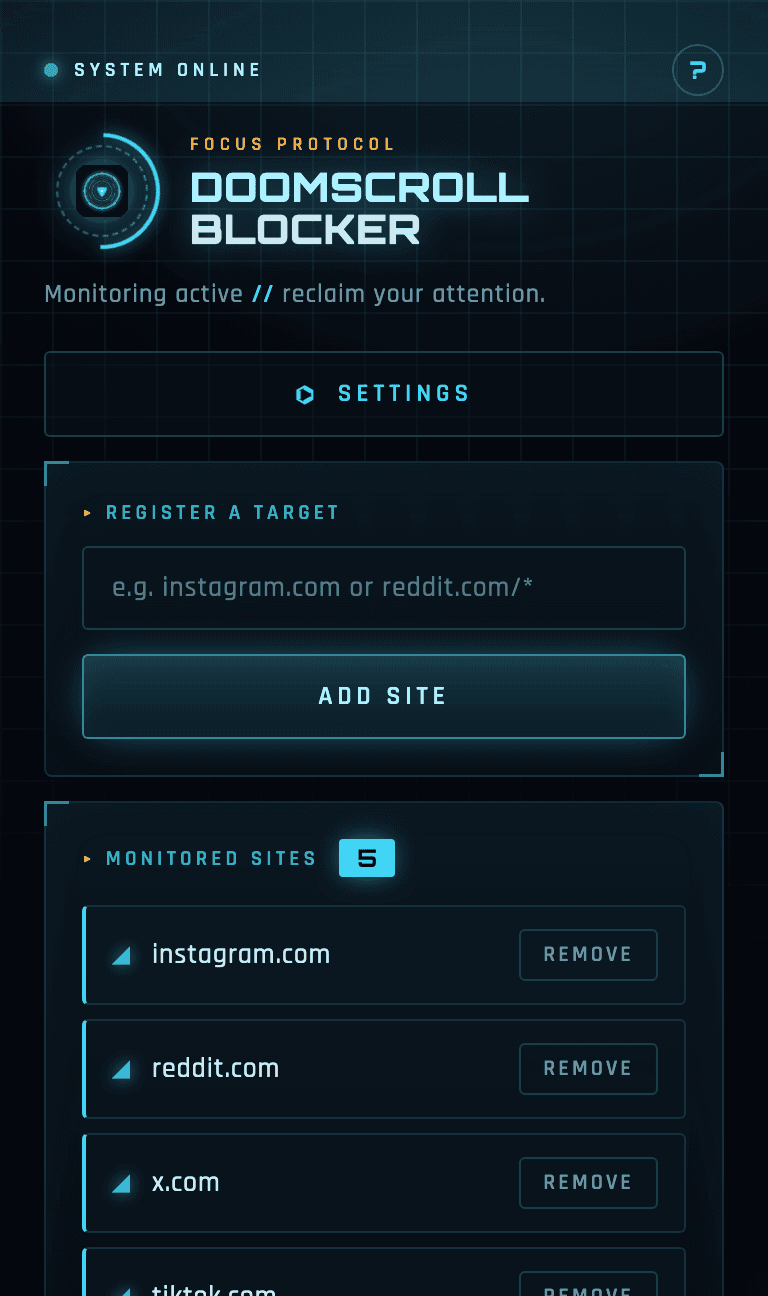
Stop the infinite scroll — go touch grass.
Pick the sites that pull you in. A full-screen, Iron Man–style HUD takes over the page once you scroll past your limit — or burn through too many YouTube Shorts.

A heads-up display for your attention.
Register sites, set a scroll distance and a Shorts limit — changes apply to open tabs instantly.
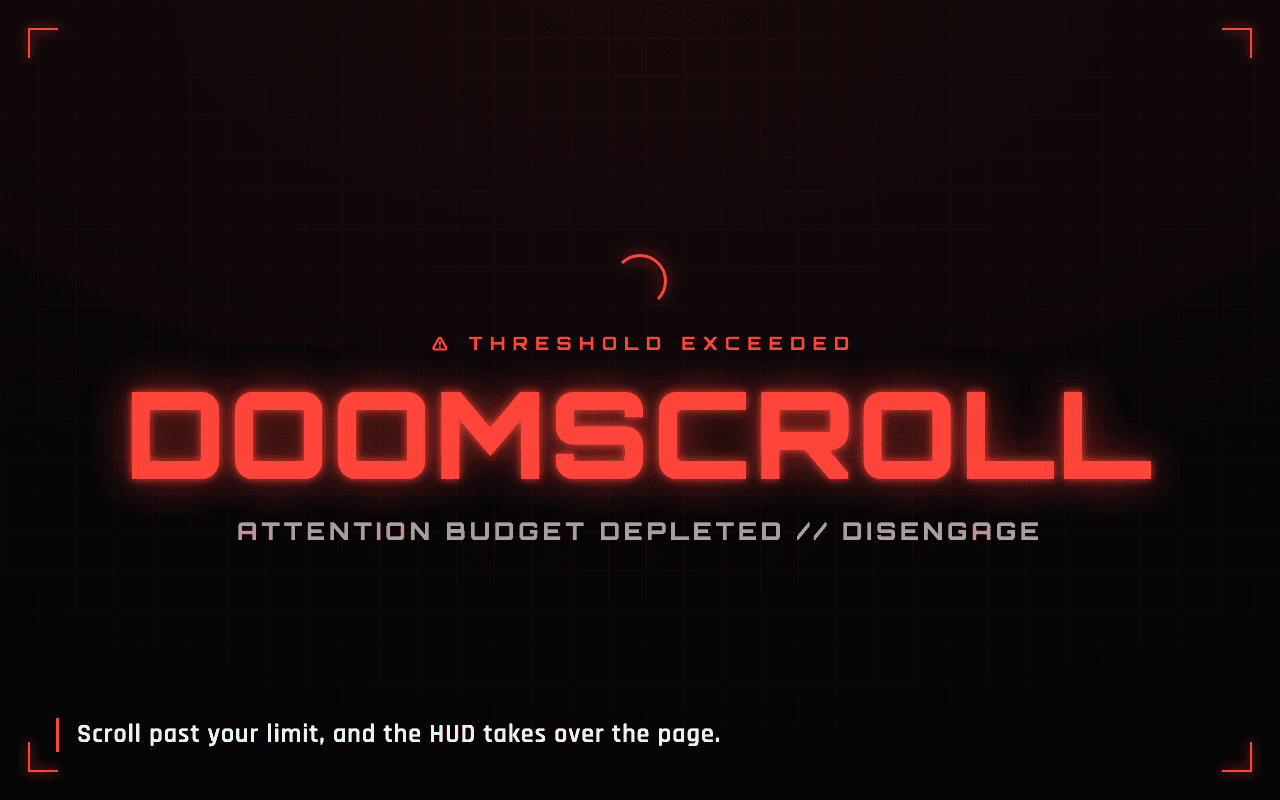
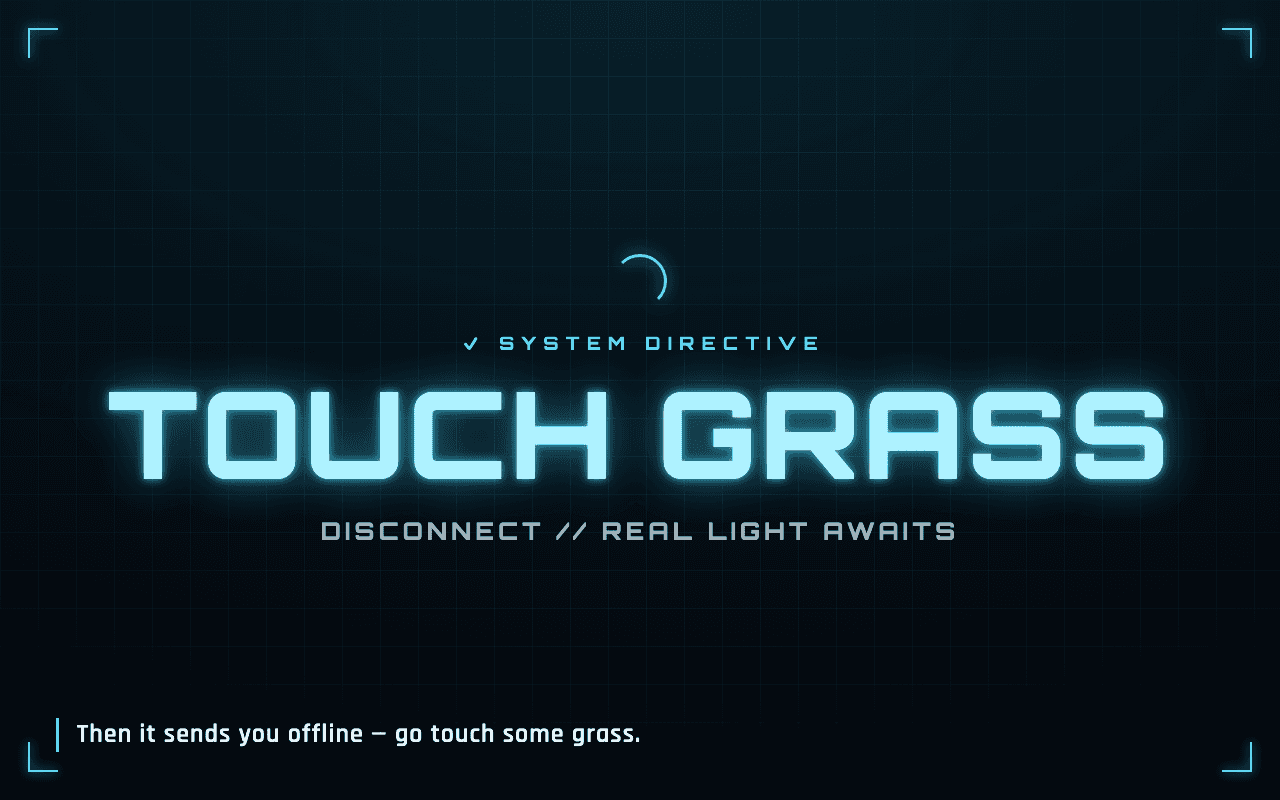
Scroll too far, and the HUD takes over.
A red threshold alert fades the page out, then resolves into a calm directive to step away.
Scroll & Shorts limits
Set how far is too far in pixels, and how many YouTube Shorts you'll allow. Cross either threshold and the warning fires.
Your list, applied instantly
Block any site you want. Edits to your list and limits propagate to already-open tabs through chrome.storage — no reload needed.
One permission, no servers
Just the storage permission. No accounts, no analytics, no remote code — fonts and scripts all ship inside the package.
Three steps, then forget it.
- 01
Add it from the Chrome Web Store (or load the unpacked build).
- 02
Open the popup, register the sites that pull you in, and set your scroll + Shorts limits.
- 03
Browse normally. Cross a limit and the HUD intervenes — your cue to disconnect and go touch grass.
Reclaim your attention.
Free, open source, Apache-2.0. TypeScript + esbuild, shipped via tag-driven GitHub Actions.