Clacky.
Mechanical keyboard sounds, on tap. On any keyboard you already own.
A native Swift menu-bar app that plays the click of a real mechanical board through your speakers. No web wrapper, no Electron, no telemetry.
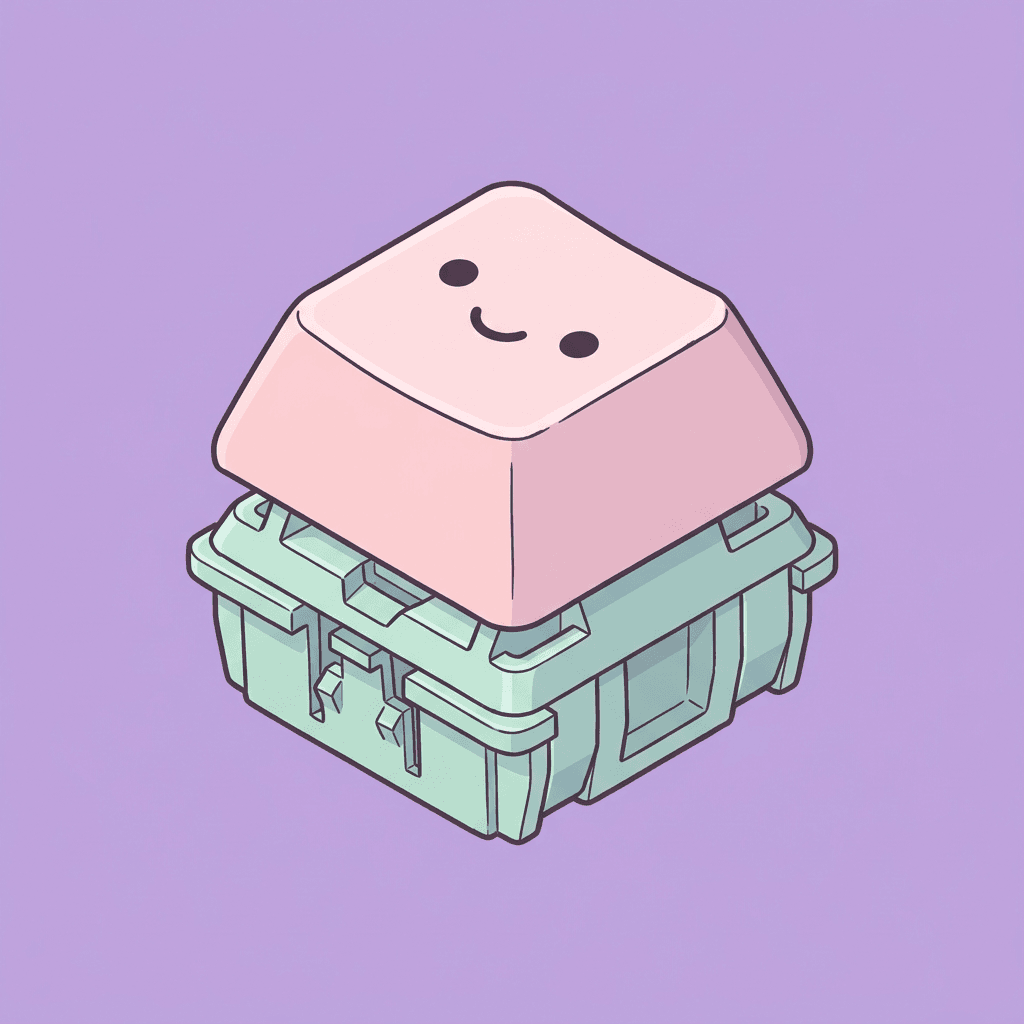
Pick a switch. Then type.
Sound plays straight from your speakers — every keystroke is processed locally and forgotten.
16-voice polyphony
Built on AVAudioEngine with a pre-warmed voice pool. Every keystroke gets its own buffer source with subtle gain and pitch jitter so it never sounds like a loop.
Five bundled, more droppable
Ships with Cherry MX Blue, Brown, Black, Red, and Topre Purple Hybrid. Drop any community Mechvibes pack into Application Support and it shows up in the menu bar.
The tap is listen-only
Clacky never records, transmits, or stores your keystrokes. The Accessibility event tap only reads the key code so the engine knows which sound to play.
Two clicks, one permission.
- 01
Download the .dmg and drag Clacky into Applications.
- 02
On first launch, macOS asks for Accessibility access. Toggle Clacky on in System Settings — that's it.
- 03
Click the menu-bar icon. Pick a pack. Start typing in anything — your editor, your shell, your browser. It just works.
Clack your way through the day.
Free, open source, MIT licensed. Tag-driven releases on GitHub Actions.